
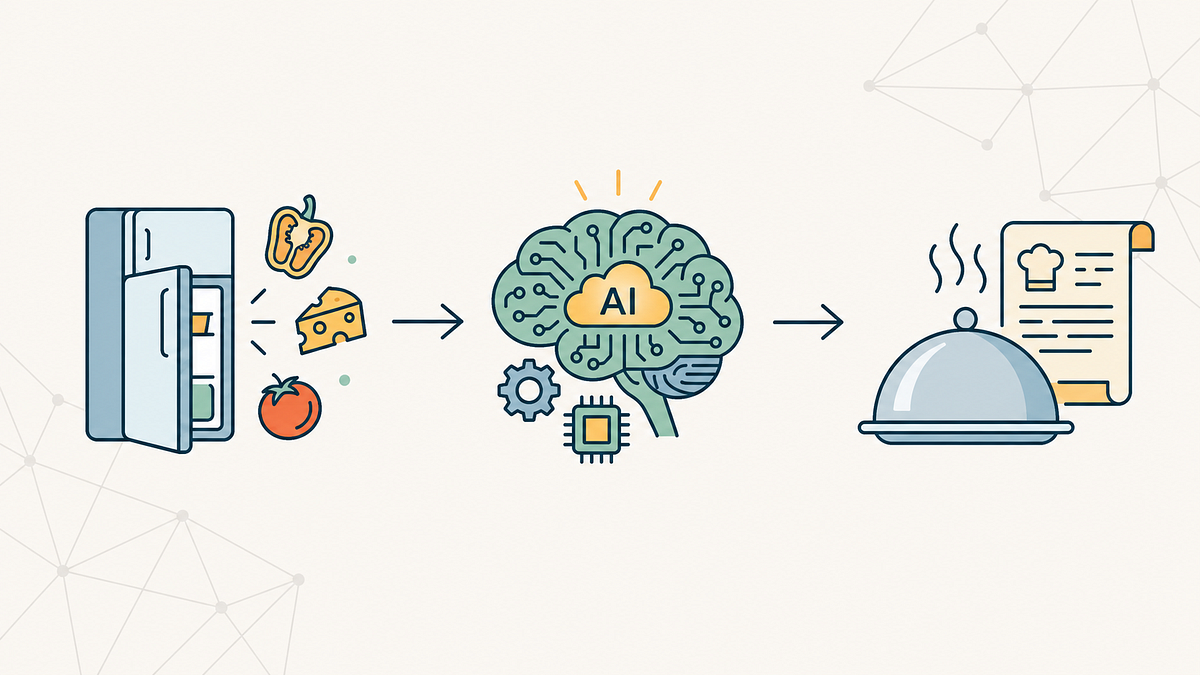
Turn Your Fridge Leftovers into Gourmet Meals with the magic of GenAI
4 min read
1 hour ago
--
We’ve all been there, standing in front of an open fridge, staring at a random assortment of ingredients — half a bell pepper, some paneer, and a lonely tomato — wondering,
“What on earth can I make with this?”
In the past,
you’d search for one ingredient and get recipes requiring ten others you don’t have. But with the power of Generative AI, we can flip the script. Instead of searching for recipes, we can generate them based strictly on what we have.
The article is originally written in Nov 2024,
In this article,
I will take you through how I built Dishcovery, a GenAI-powered application that turns your available ingredients into delicious recipes instantly.
We’ll explore how to connect Python to Google’s Gemini 2.5 Flash model, input prompts for well-structured and accurate outputs, and even generate a downloadable PDF of your meal.
Let’s dive in! 🚀
The Tech Stack
Before we start coding, here are the tools we’ll be using:
- Python 3.10+: The language of choice.
- Google Gemini API (
gemini-2.5-flash): Our reasoning engine—fast and efficient. - Streamlit: To build a quick, interactive web interface.
- FPDF2: To generate downloadable recipe cards.
Step 1: Setting Up the Environment
First, we need to set up our project. I always recommend using a virtual environment to keep things clean.
Bash
mkdir Dishcovery
cd Dishcovery
python -m venv venv
source venv/bin/activate  # On Windows: venv\Scripts\activate
Next, we install the dependencies. Here is our requirements.txt:
streamlit
google-generativeai
python-dotenv
fpdf2
Install them with pip install -r requirements.txt.
Step 2: Connecting to the Brain (Gemini API)
The core of Dishcovery app is the Large Language Model. I chose Gemini 2.5 Flash because it balances speed and intelligence perfectly for this task.
Get Aniket Potabatti’s stories in your inbox
Join Medium for free to get updates from this writer.
Remember me for faster sign in
We start by loading our environment variables and configuring the API key.
import streamlit as st
import os
import google.generativeai as genai
from dotenv import load_dotenvload_dotenv()
try:
    api_key = os.getenv('GOOGLE_API_KEY')
    genai.configure(api_key=api_key)
except ValueError as e:
    st.error(0)
Step 3: The Art of Prompt Engineering
To get a useful recipe, we can’t just ask “give me a recipe.” We need to be specific. We want the model to act as a professional chef who respects our dietary restrictions.
I built a dynamic prompt generator that stitches together user preferences — like allergies, cooking time, and cuisine style — into a single, coherent instruction for the AI.
def generate_recipe_prompt(ingredients, dietary_prefs=None, recipe_type=None, cuisine=None, ...):
requirements = []
if dietary_prefs: requirements.append(f"Must be {dietary_prefs}")
if cuisine: requirements.append(f"Follow {cuisine} cuisine style")
if allergies and "None" not in allergies:
requirements.append(f"Excluding ingredients like {', '.join(allergies)}") requirements_str = ' and '.join(requirements)
return (
f"Create a detailed, delicious-sounding recipe using ONLY these ingredients if possible: {', '.join(ingredients)}. "
f"{requirements_str + '. ' if requirements_str else ''}"
"The recipe should include:\n\n"
"- **Recipe Title**\n"
"- **Prep time, Cook time**\n"
"- **Instructions** (Numbered steps)\n"
"Format the output using Markdown for readability."
)
Notice how we handle constraints. If a user is allergic to peanuts, we explicitly add that to the prompt logic.
Step 4: Calling the Mode
Now, we send that prompt to Gemini. We use specific safety settings to ensure the content remains family-friendly.
def call_gemini_api(prompt):
    try:
        model = genai.GenerativeModel(
            'gemini-2.5-flash',
            generation_config={'temperature': 0.7, 'max_output_tokens': 4000}
        )
        response = model.generate_content(prompt)
        return response.text.strip()
    except Exception as e:
        return f"An error occurred: {str(e)}"
Step 5: The “Cherry on Top” (PDF Export)
A recipe is only useful if you can save it. I used the FPDF library to convert the Markdown text from Gemini into a clean, downloadable PDF file.
This function cleans up special characters (like emojis or complex unicode) so the PDF engine doesn’t crash, then formats the headers and bold text programmatically.
def create_pdf(text):
    pdf = FPDF()
    pdf.add_page()
    pdf.set_font("Arial", size=11)        # Logic to parse Markdown and format PDF lines
    for line in text.split('\n'):
        if line.startswith('## '):
            pdf.set_font("Arial", 'B', 16)
            pdf.cell(0, 10, line[3:], ln=1)
        else:
            pdf.set_font("Arial", '', 11)
            pdf.multi_cell(0, 10, line)                return bytes(pdf.output())
Step 6: Building the Interface
Finally, we wrap it all in Streamlit. I used a Sidebar for all the controls (Diet, Cuisine, Allergies, and many more) to keep the main view clean for the results.
# Sidebar for Preferences
st.sidebar.title("Preferences")
dietary_prefs = st.sidebar.selectbox("Dietary Preference", ["None", "Vegetarian", "Vegan", ...])
cuisine = st.sidebar.selectbox("Cuisine", ["None", "Italian", "Indian", ...])# Main Area
ingredients = st.text_input("Enter your ingredients (comma-separated)")
if st.button("Generate Recipe", type="primary"):
    handle_recipe_generation(ingredients)
Conclusion
Building Dishcovery showed me that the gap between a raw idea and a functional AI product is smaller than ever. With just one Python file, we created a tool that solves a daily real-world problem: Decision Fatigue.
By leveraging Gemini 2.5 Flash, the app is incredibly snappy, and the PDF export feature makes it genuinely useful for home cooks who want to save their favorite generations.
What’s Next?
I plan to expand this project by adding:
- Image Recognition: Snap a photo of your fridge to auto-detect ingredients.
- RAG Integration: Connect it to a database of verified chef recipes for more “authentic” results.
You can check out the full source code on my GitHub here: Dishcovery Repo.
If you found this guide helpful, follow me for more projects on End-to-end ML systems and GenAI!