

Nick Lewis is an editor at How-To Geek. He has been using computers for 20 years --- tinkering with everything from the UI to the Windows registry to device firmware. Before How-To Geek, he used Python and C++ as a freelance programmer. In college, Nick made extensive use of Fortran while pursuing a physics degree.
Nick's love of tinkering with computers extends beyond work. He has been running video game servers from home for more than 10 years using Windows, Ubuntu, or Raspberry Pi OS. He also uses Proxmox to self-host a variety of services, including a Jellyfin Media Server, an Airsonic music server, a handful of game servers, NextCloud, and two Windows virtual machines.
He enjoys DIY projects, especially if they involve technology. He regularly repairs and repurposes old computers and hardware for whatever new project is at hand. He has designed crossovers for homemade speakers all the way from the basic design to the PCB.
Nick enjoys the outdoors. When he isn't working on a computer or DIY project, he is most likely to be found camping, backpacking, or canoeing.
If you run an AI locally, you get complete privacy, no API or subscription costs, offline access, and you never have to worry about running into your usage limit right when you're in the middle of something. For a long time, AI coding assistants were janky, unreliable, and painfully slow, but newer local models can hold their own against the cloud-based models as long as you're careful about how you use them.
Qwen's latest coding model release has been especially impressive, and I now use the local model about half the time.
Qwen 3.6-27b:q3 makes local vibe coding viable
Pair it with VSCodium for a fully open-source experience
There are a ton of local AI models that can help you code locally, and they frequently leapfrog each other as models improve over time. For the most part, I haven't found these very impressive—they're good as very fancy autocompletes, but not much else.
However, recent models make them much more appealing. I've been using some of Qwen’s coding-specific models, and found they are finally in a position where they're usable on moderate hardware and practically useful. It handles code completion, refactoring, and writing tests, and it does it pretty well. You can use it to plan or directly write, though I'd strongly recommend planning first. It isn't nearly as smart as the big cloud models, and it needs the help.
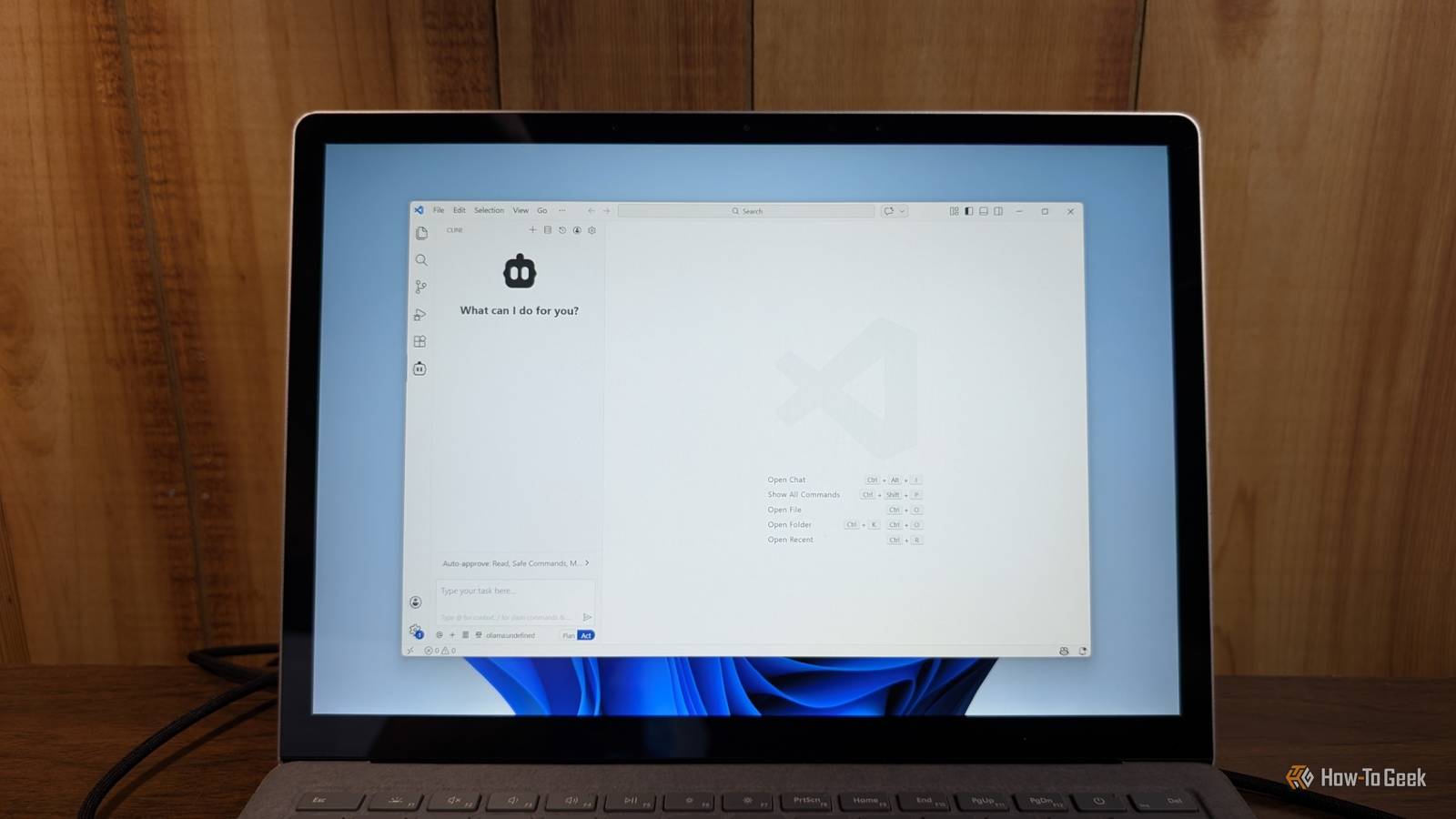
I run my local coding models in VSCodium via the Cline extension. The entire thing appears as a small sidebar where you type your commands, approve code snippets, and manage your context window. I mostly use my local coding AI for simple things, while I leave more complex jobs or refactoring to Claude to save tokens.
Because the entire setup relies on Ollama, I can also make my local AI accessible to any device on my home network. That means I'm not stuck seated in front of my desktop—I can take my laptop
Keep in mind that AI is constantly evolving. The local LLM space moves so fast that what is the gold standard today might be superseded by next month, but even the current options make the setup worth the effort.
Cloud models are better, but local is inexpensive and private
Privacy, cost, and availability add up

Even if a cloud model is more "intelligent," you should still consider a local setup. The most pressing issue is privacy and security. When you run a model locally, your code never leaves your machine. If you're handling proprietary company data or sensitive client information, that is very important.
Cost also matters. Claude, ChatGPT, Gemini, and all of the other major players charge monthly for access. Those plans start at about $20 per month, but the costs can grow explosively if you're not careful. A viable local agent means you can stop paying monthly subscriptions or worrying about per-token fees.

Claude
- Price
- $20
Claude is an AI assistant made by Anthropic. It can assist with a wide range of tasks—writing, coding, analysis, research, and more. Unlike a search engine, Claude reasons through problems conversationally, making it useful as a thinking partner rather than just an information retrieval tool.
Once you own the GPU, your only ongoing cost is the electricity. It sounds like a dubious value proposition at first, but consider that Claude Max costs at least $100, which is the minimum subscription someone doing a lot of coding will need. After a year, that is an RTX 5080. After two years, that is an RTX 5090 (if you can find one at MSRP).
It is also nice not to depend on anyone else's servers. On more than one occasion, I've gone to use Claude or Codex to write some code, only to find the servers are temporarily down. With your own local setup, your downtime is mostly under your control.
Running a coding LLM locally has some tradeoffs
VRAM, quantization, and context are the real constraints
Running a local coding LLM isn't without its drawbacks, however. The big limit is hardware.
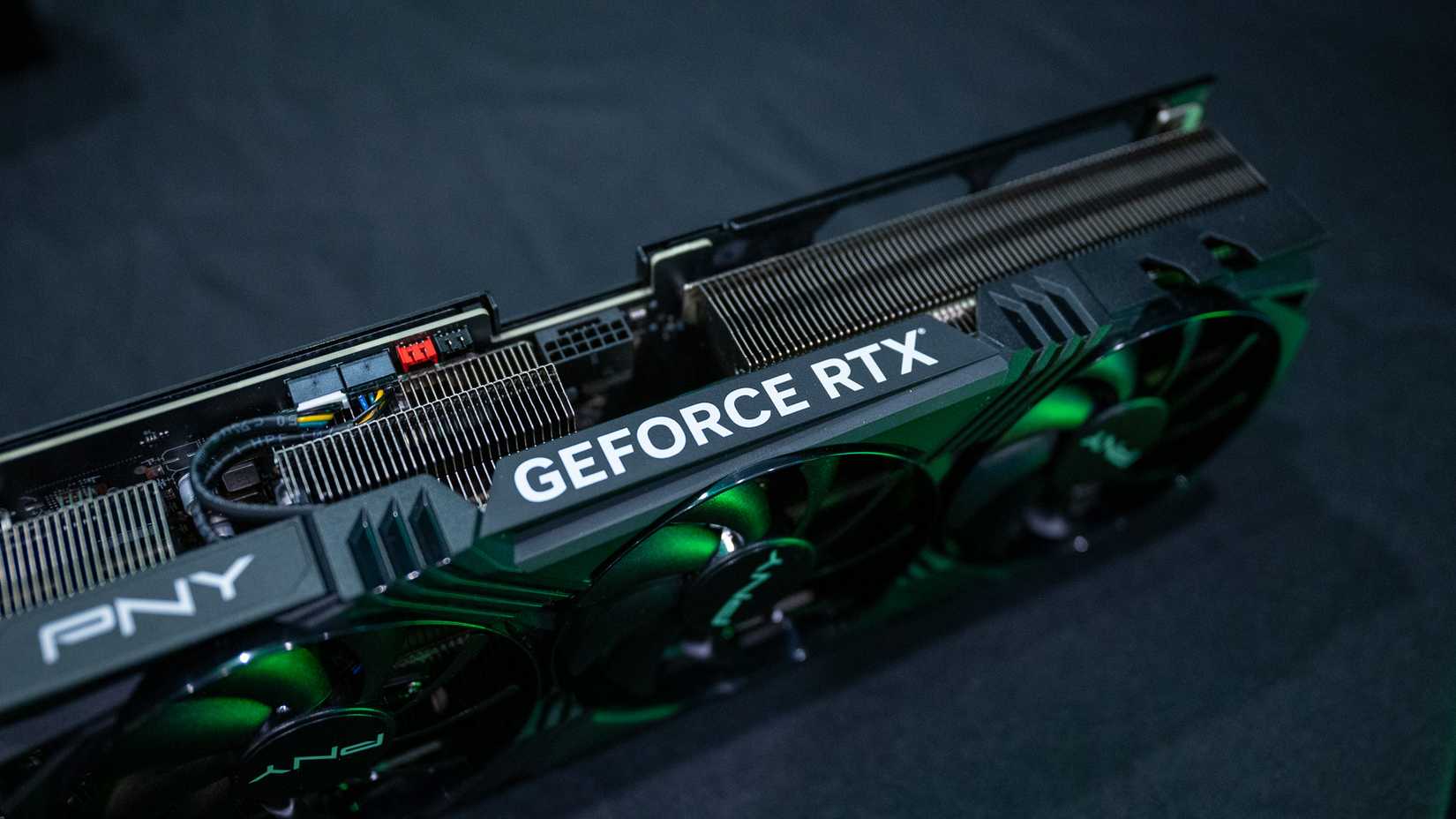
If you're running a mid-range consumer GPU, like the 5070 Ti I use, you're going to run into bottlenecks. The primary constraint is VRAM, which dictates both the size of the model you can load and the length of the context window you can maintain.
This is where quantization comes in. You'll see terms like Q4, Q5, or Q8. That is basically an indicator of how compressed the model is. While a Q8 (8-bit) model is more precise, a Q4 (4-bit) model allows you to run a larger model on hardware with less VRAM with only a slight decrease to output quality. With the right quantization, I can use some 27B parameter models on my 5070Ti, though larger models are out of reach.
What Is an LLM? How AI Holds Conversations
LLMs are an incredibly exciting technology, but how do they work?
You should also expect a speed difference between local models and cloud-based models. Local models will struggle to fit large, complex jobs into the context window.
Local coding LLMs are finally worth using
The local LLM offerings have finally crossed the line from a fun novelty to something I can actually use daily. A big part of making these models useful is integration.
You should try setting this up as a supplement to your cloud tools by attaching it to VSCodium or the IDE of your choice. It might not replace the most powerful models for every single task, but having a private, free, and always-available assistant on your own hardware is a great addition to any dev environment.